Logging
Categories:
At this time, Synclias collects historical data during a scan, and records results. During development, it may crash, and not record a log, but these cases should be rare.
Active logs are written to the console on each Docker container and can always be monitored there in real-time
Finding the Container Names
To find the container name, use a Terminal window to run:
docker ps
You will be presented with a list of running containers. By default the last column is “Name”:

Viewing Logs
To watch the logs on a container, run the command:
docker logs -f <container-name>
The two main containers to watch for logs are:
- Worker - where syncs and all back end processing happens
- App - Web front end
e.g the logs for the Worker will look as follows after it starts up.
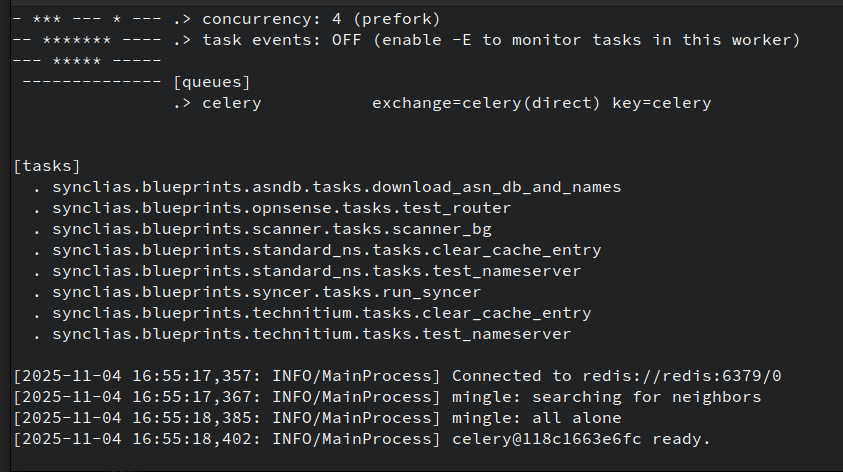
Some useful info appears in this log:
- Parent-Child scan results - if you want to see how a site got discovered
- Alias contents
- Site scanning/DNS issues